
How to list your property on India Short Stay
Listing your home on India Short Stay takes only a few minutes. This guide walks you through the whole flow so your first stay is ready to receive bookings the same day.
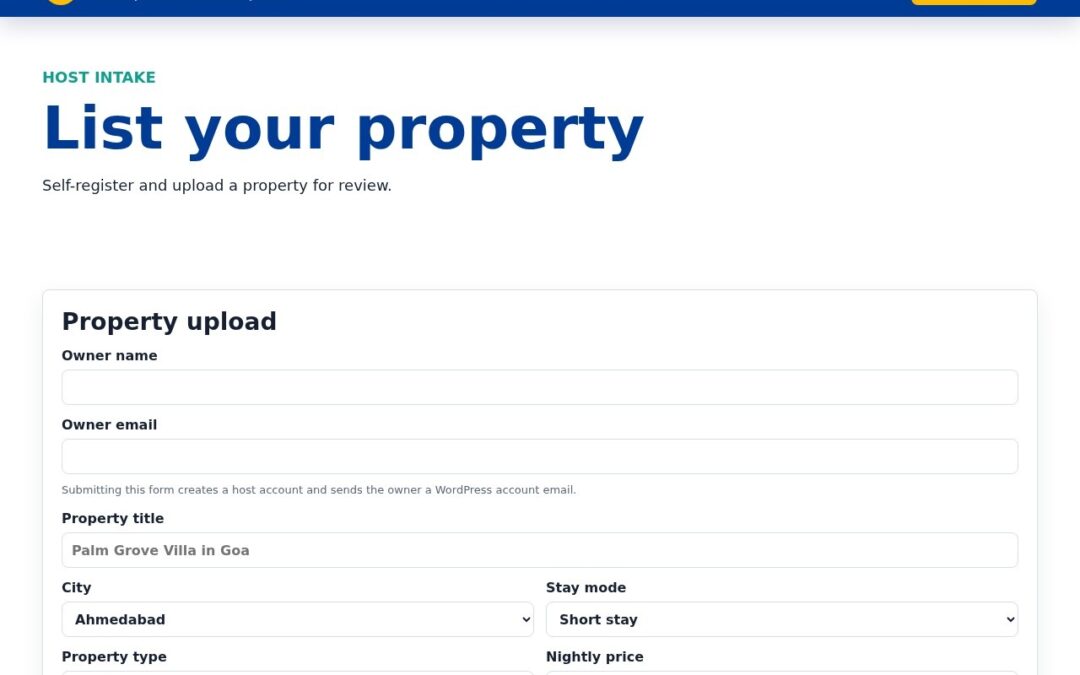
Step 1: Open the listing form
Go to List your property. The form collects everything we need: title, city, stay mode (short or long stay), property type, nightly price, bedrooms, guests and amenities.
Step 2: Add photos and a video
You can upload multiple photos at once and paste YouTube video links for a virtual tour. Listings with 5+ photos and a video get noticeably more requests.
Step 3: Submit and review
Submitting creates your host account and a draft listing for review. Once approved it goes live on Stays and is instantly bookable by request. Track and edit it from your owner dashboard.
Ready to start hosting? List your property in minutes, browse live stays, visit the Host hub, or manage everything from your owner dashboard.